


Dext vs Hubdoc: which do online sellers need?

Reviewed by Alex Gillespie
, ICAEW chartered accountant
In short
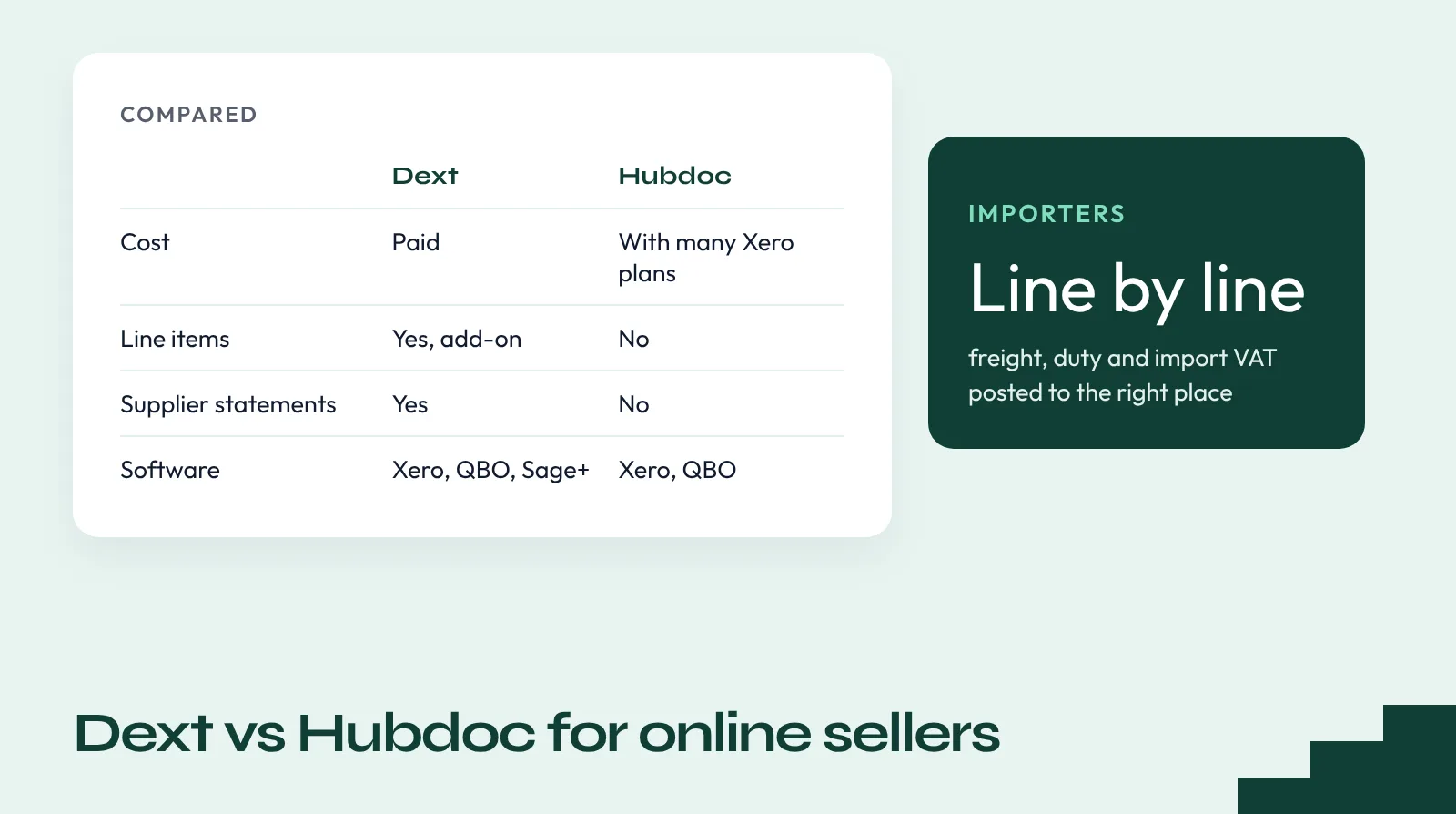
Dext and Hubdoc both capture bills and receipts and publish them to your accounting software, so every cost has its paperwork attached. Hubdoc is included with many Xero plans and covers the basics. Dext is a paid tool that does more: line-item extraction, supplier statements, more accounting software and more control for accountants. For a seller with many suppliers, freight and import invoices, Dext usually earns its cost.
Every online seller has two sides to their books. Sales come in through payouts, which tools like A2X and Link My Books handle. Costs come in as paperwork: supplier invoices, freight bills, customs paperwork, software subscriptions and receipts. Dext and Hubdoc handle that side.
Both read your documents, pull out the key details and publish them to Xero or QuickBooks with the document attached, which replaces manual data entry of purchase invoices and receipts. Dext was called Receipt Bank until it rebranded in 2021. Hubdoc is owned by Xero, which is why it comes with Xero’s plans. Here’s how they differ.
Dext vs Hubdoc at a glance
| Dext | Hubdoc | |
|---|---|---|
| Cost | Paid subscription, priced by users and documents | Included with many Xero plans; paid on its own otherwise |
| Accounting software | QuickBooks Online, Xero, Sage and others | Xero and QuickBooks Online |
| What it reads | Supplier, date, totals and VAT, with line items as an add-on | Supplier, amount, invoice number and due date |
| Supplier statements | Yes, extracted and matched | No |
| Getting documents in | App, email, upload and supplier fetching | App, email forwarding and upload |
| Built for | Businesses and their accountants, with practice tools | Small businesses on Xero |
Checked against vendor and comparison pages dated September 2026. Both change their packaging, so confirm before you subscribe.
Pros and cons
Dext
Pros
- Line-item extraction, so mixed invoices are posted properly
- Supplier rules that remember how each supplier should be coded
- Works with more accounting software
- Supplier statement matching helps catch missing invoices
Cons
- A separate monthly cost
- Line items and bank statement extraction are paid extras beyond small allowances
- More than a very small business needs
Hubdoc
Pros
- Often included with Xero at no extra cost
- Simple to set up and use
- Covers the basics of capturing and attaching bills
Cons
- Reads totals, not line by line
- Fewer integrations and controls
- Xero has been changing how it packages document capture
Why it matters more for online sellers
Ecommerce costs are messier than most businesses’. A single freight forwarder invoice can carry freight, duty, import VAT and handling on separate lines. A stock order can cover dozens of products. Software and app subscriptions arrive from overseas suppliers in dollars.
Posting those as one total puts duty in the wrong place, misses VAT you could reclaim, and makes landed cost per product impossible to work out. That’s where line-item extraction and supplier rules earn their cost.
“If you import stock, the freight and duty paperwork is where the money hides. A tool that reads each line, and a bookkeeper who checks it, is the difference between knowing your landed cost and guessing it.”
Alex Gillespie, ICAEW chartered accountant
Which to choose
- Hubdoc is fine for Xero users with a handful of suppliers who don’t import.
- Dext is worth it if you import stock, have many suppliers, use QuickBooks or Sage, or want your accountant to review costs in detail.
Our bookkeeping service works with either, in Xero or QuickBooks, and our import accounting builds landed cost per product from your freight and duty paperwork. Book a discovery call to talk through your setup.


